Hello there, fellow Android user! Have you ever wondered what makes your smartphone experience so rich, secure, and constantly evolving? Much of it comes down to one incredibly important hub: the Google Play Store. It’s not just a place to download apps; it’s a dynamic ecosystem designed to keep your Android device performing at its best, keeping you entertained, productive, and safe.
In this friendly guide, we're going to dive deep into how the Google Play Store acts as a powerful engine for improving your mobile life. We’ll explore its latest features, essential updates, and the incredible variety of content that makes your Android smartphone truly smart. Get ready to discover new ways to supercharge your device and personalize your digital world!
Table of Contents
Keeping Your Apps Fresh: Automatic Updates
Boosting Performance: Curated Apps and Optimization Tools
Fortifying Your Device: Play Protect and Security Features
Unlocking Entertainment: Games, Movies, Books, and More
Supercharging Productivity: Essential Apps for Work and Life
Discovering New Horizons: Personalized Recommendations
Managing Your Digital Life: Subscriptions and Family Library
Enhancing Accessibility: Making Android for Everyone
Frequently Asked Questions (FAQ)
Key Takeaways
1. Keeping Your Apps Fresh: Automatic Updates
One of the most immediate and beneficial ways the Google Play Store enhances your mobile experience is through its seamless update system. Think of app updates as regular tune-ups for your car; they keep everything running smoothly, introduce new features, and patch up any potential vulnerabilities. When developers release updates, the Play Store acts as the central delivery service, ensuring these improvements reach your device efficiently.
Enabling automatic updates is a fantastic way to stay on top of the latest versions without lifting a finger. You can choose to update over Wi-Fi only to save on mobile data, or allow updates at any time. This means you'll always have access to the newest functionalities, improved stability, and the most current security protocols that app developers provide. It's a "set it and forget it" feature that significantly contributes to a hassle-free and up-to-date smartphone experience.
Beyond new features, updates are crucial for security and performance. Developers often fix bugs that might cause crashes or slowdowns, and they regularly address security loopholes that could be exploited. By keeping your apps updated, you're not just getting better functionality; you're actively contributing to the overall health and safety of your Android device, ensuring it remains robust and reliable.
Access new app features and improvements.
Enhance app stability and reduce crashes.
Receive critical security patches and bug fixes.
Choose between Wi-Fi only or immediate updates.
2. Boosting Performance: Curated Apps and Optimization Tools
The Google Play Store isn't just a vast repository; it's also a highly curated platform that helps you find high-quality apps optimized for performance. Google highlights "Editor's Choice" apps and features "Top Charts" which often showcase applications that are well-designed, efficient, and reliable. Opting for these reputable apps can significantly contribute to your phone's smooth operation, as they are less likely to contain bloatware or poorly optimized code that drains resources.
Furthermore, the Play Store provides useful information right on the app listing page, such as app size and user reviews. Checking these details before downloading can help you make informed decisions about how an app might impact your device's storage and performance. Lighter apps generally consume less memory and battery, leading to a snappier experience. User reviews often contain valuable feedback about an app's stability, speed, and compatibility with various devices.
While the Play Store doesn't directly "optimize" your phone in the way a dedicated cleaner app might, its role in providing access to well-behaved apps is paramount. By choosing applications that are built efficiently and by regularly updating them, you create an environment where your Android device can consistently deliver optimal performance. The emphasis on quality content indirectly serves as a powerful performance enhancer for your smartphone.
Discover well-optimized apps through Editor's Choice and Top Charts.
Utilize app size and user reviews to select efficient applications.
Avoid poorly coded apps that can degrade performance.
3. Fortifying Your Device: Play Protect and Security Features
In today's digital age, smartphone security is more critical than ever, and the Google Play Store plays a monumental role in keeping your Android device safe. At the heart of this protection is Google Play Protect, a built-in security feature that constantly scans your apps and device for harmful behavior. It works silently in the background, offering a powerful layer of defense against malware, unwanted software, and other digital threats.
Google Play Protect automatically scans apps before you even download them, ensuring that harmful applications don't make it to the Play Store. But its work doesn't stop there; it also continuously monitors apps on your device, even those downloaded from outside the Play Store, to identify and disable potentially dangerous ones. If it finds anything suspicious, it will alert you and suggest actions to remove the threat, giving you peace of mind.
Beyond Play Protect, the Play Store also helps you manage app permissions effectively. When you install an app, it clearly outlines what permissions it requests, such as access to your camera, microphone, or location. Understanding and controlling these permissions allows you to make informed choices about your privacy and ensures that apps only access the data they truly need to function. This transparent approach empowers you to maintain greater control over your personal information and device security.
Google Play Protect scans apps for malware before and after installation.
Receive alerts for harmful apps and suggestions for removal.
Manage app permissions to control data access and enhance privacy.
4. Unlocking Entertainment: Games, Movies, Books, and More
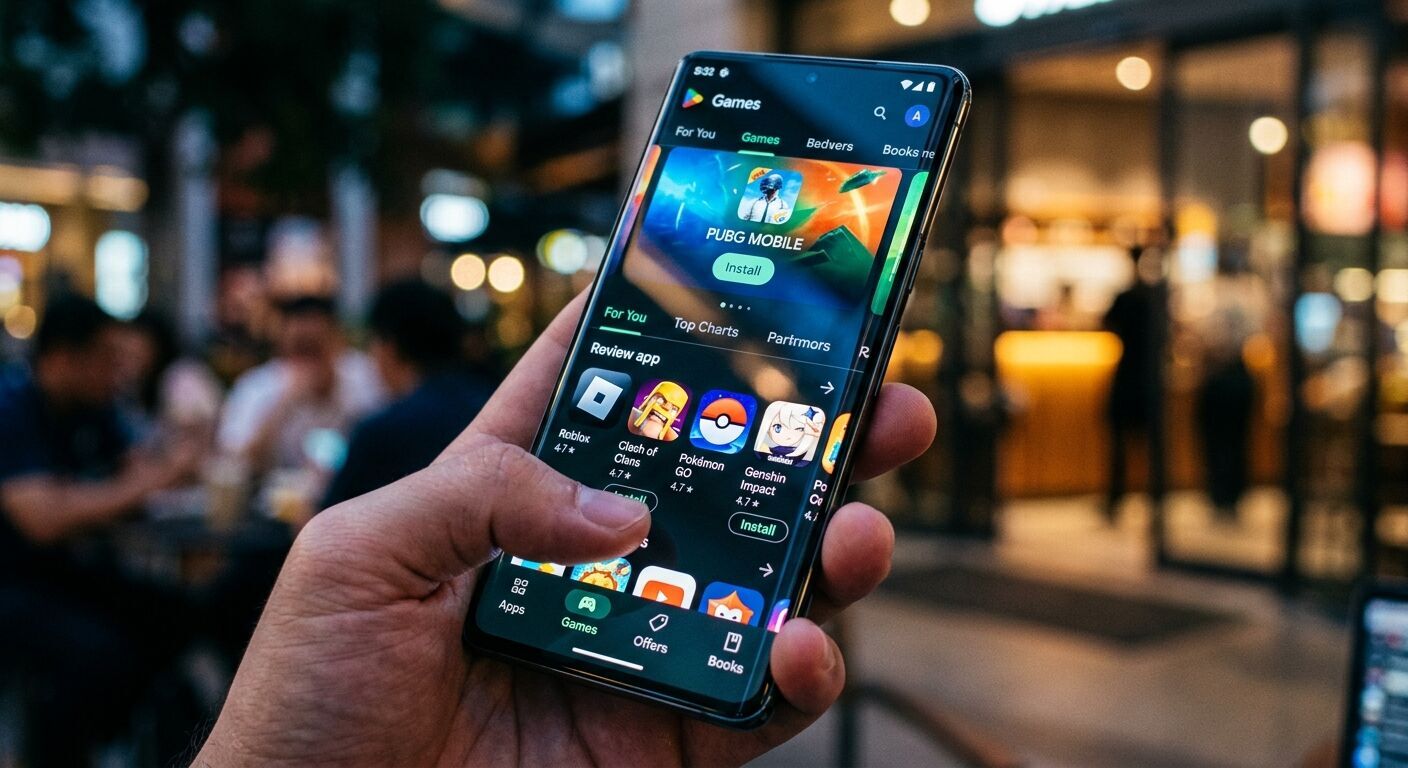
Beyond its utility functions, the Google Play Store is an unparalleled gateway to a universe of entertainment, transforming your Android device into a portable media center. Whether you're a casual gamer, a movie buff, an avid reader, or a music lover, the Play Store has something for everyone. It hosts millions of games, from simple puzzles to graphically intense adventures, offering endless hours of fun and challenge.
The Play Store also provides access to a vast library of movies and TV shows, available for purchase or rent. You can enjoy your favorite blockbusters, discover new series, and even download content to watch offline, making long commutes or travel much more enjoyable. For bookworms, Google Play Books offers millions of titles, including bestsellers, classics, and audiobooks, allowing you to carry an entire library in your pocket.
Music enthusiasts aren't left out either, with various music streaming apps available, and some regions still offering music purchases directly. This comprehensive range of entertainment options, all accessible through one convenient platform, makes your Android smartphone a truly versatile device. The Play Store's intuitive interface and powerful search capabilities make discovering your next favorite game, movie, or book an absolute breeze.
Explore millions of games across various genres.
Rent or purchase movies and TV shows for on-the-go viewing.
Access a vast library of e-books and audiobooks.
Discover music streaming services and content.
5. Supercharging Productivity: Essential Apps for Work and Life
Your Android smartphone can be a powerful productivity tool, and the Google Play Store is the key to unlocking its full potential. It offers an extensive selection of apps designed to help you manage your work, organize your life, and boost your efficiency, whether you're in the office, at home, or on the go. From comprehensive office suites to specialized tools, you'll find everything you need to get things done.
You can download essential applications for communication, such as messaging apps that keep you connected with colleagues and friends, or video conferencing tools for remote meetings. Task managers and note-taking apps help you keep track of your to-do lists, project deadlines, and brilliant ideas, ensuring nothing falls through the cracks. Cloud storage solutions enable seamless file sharing and access across all your devices.
Beyond work-specific tools, the Play Store also hosts apps that enhance daily productivity for personal life. This includes finance trackers, health and fitness apps, recipe organizers, and language learning tools. By carefully selecting the right apps, you can transform your smartphone into a personal assistant that helps you stay organized, manage your finances, maintain a healthy lifestyle, and continually learn new skills.
Access office suites, communication tools, and project management apps.
Utilize task managers and note-taking applications for organization.
Find apps for personal finance, health, learning, and more.
6. Discovering New Horizons: Personalized Recommendations
With millions of apps and games available, finding exactly what you need or discovering something new and exciting might seem overwhelming. That's where the Google Play Store's personalized recommendation engine comes in handy. It's a smart feature designed to help you navigate the vast digital landscape by suggesting apps and content tailored specifically to your interests and past behavior.
The Play Store analyzes your app usage, download history, search queries, and even the types of content you consume to create a unique profile. Based on this, it presents you with recommendations that are highly likely to appeal to you, introducing you to apps you might not have found otherwise. This personalized approach makes discovery much more efficient and enjoyable, helping you uncover hidden gems.
You'll find these recommendations prominently displayed on the Play Store's home screen, within categories, and even through curated lists like "Suggested for you." The more you interact with the Play Store and use your Android device, the smarter these recommendations become, continually refining their suggestions to match your evolving tastes. It's like having a knowledgeable personal shopper for your digital world.
Receive app and content suggestions based on your usage history.
Discover new apps and games tailored to your interests.
Find personalized recommendations on the Play Store home screen and categories.
7. Managing Your Digital Life: Subscriptions and Family Library
The Google Play Store simplifies many aspects of managing your digital life, particularly when it comes to subscriptions and sharing content with your loved ones. Many apps and services now offer subscription models, and the Play Store provides a centralized hub to view, manage, and cancel all your app-related subscriptions. This makes it incredibly easy to keep track of your recurring payments and ensures you're only paying for services you actively use.
No more hunting through individual app settings to find subscription details; everything is conveniently located in your Google Play account settings. This streamlined management saves you time and helps prevent unwanted charges, giving you greater control over your digital spending. You can quickly see upcoming payment dates, change payment methods, or decide to end a subscription with just a few taps.
Another fantastic feature is the Google Play Family Library. This allows you to share eligible purchased apps, games, movies, TV shows, and books with up to five other family members. Imagine buying a popular game or a great movie once and having everyone in your family able to enjoy it on their own devices. It's a cost-effective and convenient way to extend the value of your digital purchases and bring your family closer through shared entertainment.
Manage all app subscriptions from one central location.
Easily view, change, or cancel recurring payments.
Share eligible purchased apps, games, and media with up to five family members via Family Library.
8. Enhancing Accessibility: Making Android for Everyone
The Google Play Store is committed to making the Android experience inclusive and accessible to everyone, regardless of their individual needs. It offers a dedicated section for accessibility apps and features, helping users find tools that enhance their device usage. This focus ensures that more people can fully utilize the power of Android smartphones and enjoy the vast digital world.
You can find a wide range of apps designed to assist users with various accessibility requirements. This includes screen readers for the visually impaired, transcription services for the hearing impaired, and apps that provide alternative input methods for those with mobility challenges. The Play Store also highlights built-in Android accessibility features, such as TalkBack, Live Caption, and Switch Access, guiding users on how to enable and utilize them.
By providing a platform for these essential tools and information, the Google Play Store empowers users to customize their Android experience to best suit them. It fosters an environment where technology adapts to the individual, rather than the other way around, demonstrating a commitment to universal design and ensuring that the benefits of mobile technology are available to the broadest possible audience.
Discover dedicated accessibility apps for various needs.
Find tools like screen readers, transcription services, and alternative input methods.
Learn about and enable built-in Android accessibility features like TalkBack and Live Caption.
Frequently Asked Questions (FAQ)
Q: How do I update my apps through the Google Play Store?
A: You can set apps to update automatically by going to the Play Store, tapping your profile icon, then Settings > Network preferences > Auto-update apps. You can choose to update over Wi-Fi only or over any network. To manually update, go to Manage apps & device > Updates available and tap "Update all" or select individual apps.
Q: Is Google Play Protect enough to secure my device?
A: Google Play Protect offers robust protection against most common Android malware and unwanted software. However, it's always a good practice to combine it with common sense safety measures, such as only downloading apps from reputable sources (like the Play Store), being cautious about granting permissions, and avoiding suspicious links or attachments.
Q: How can I request a refund for an app or game purchase?
A: You can request a refund directly through the Google Play Store within a short window after purchase, typically 2 hours. Go to your account, then Order History, find the item, and select "Request a refund." For purchases outside this window, you may need to contact the app developer directly.
Q: How do I prevent accidental purchases on the Play Store?
A: You can enable authentication for purchases. Go to the Play Store, tap your profile icon, then Settings > Authentication > Require authentication for purchases. You can set it to require authentication for all purchases, every 30 minutes, or never (not recommended).
Q: What happens if I uninstall an app I paid for? Can I reinstall it?
A: Yes, if you uninstall a paid app, you can reinstall it on any of your compatible Android devices without purchasing it again, as long as you use the same Google account that made the original purchase.
Key Takeaways
The Google Play Store is vital for keeping your Android apps and device updated, ensuring you have the latest features, bug fixes, and security enhancements.
Google Play Protect acts as a powerful, built-in guardian, continuously scanning apps for malware and helping you maintain a secure mobile environment.
It's your go-to destination for a massive array of entertainment, including games, movies, books, and music, transforming your device into a versatile media hub.
For productivity, the Play Store offers countless apps to manage your work, organize your life, and enhance your daily efficiency, from office suites to personal organizers.
Personalized recommendations make discovering new and relevant apps a breeze, tailored to your unique interests and usage patterns.
Features like centralized subscription management and Family Library simplify digital life, saving you time and extending the value of your purchases.
The Play Store champions accessibility, offering a wide range of tools and highlighting features that make Android usable and enjoyable for everyone.





 Lisa Redford